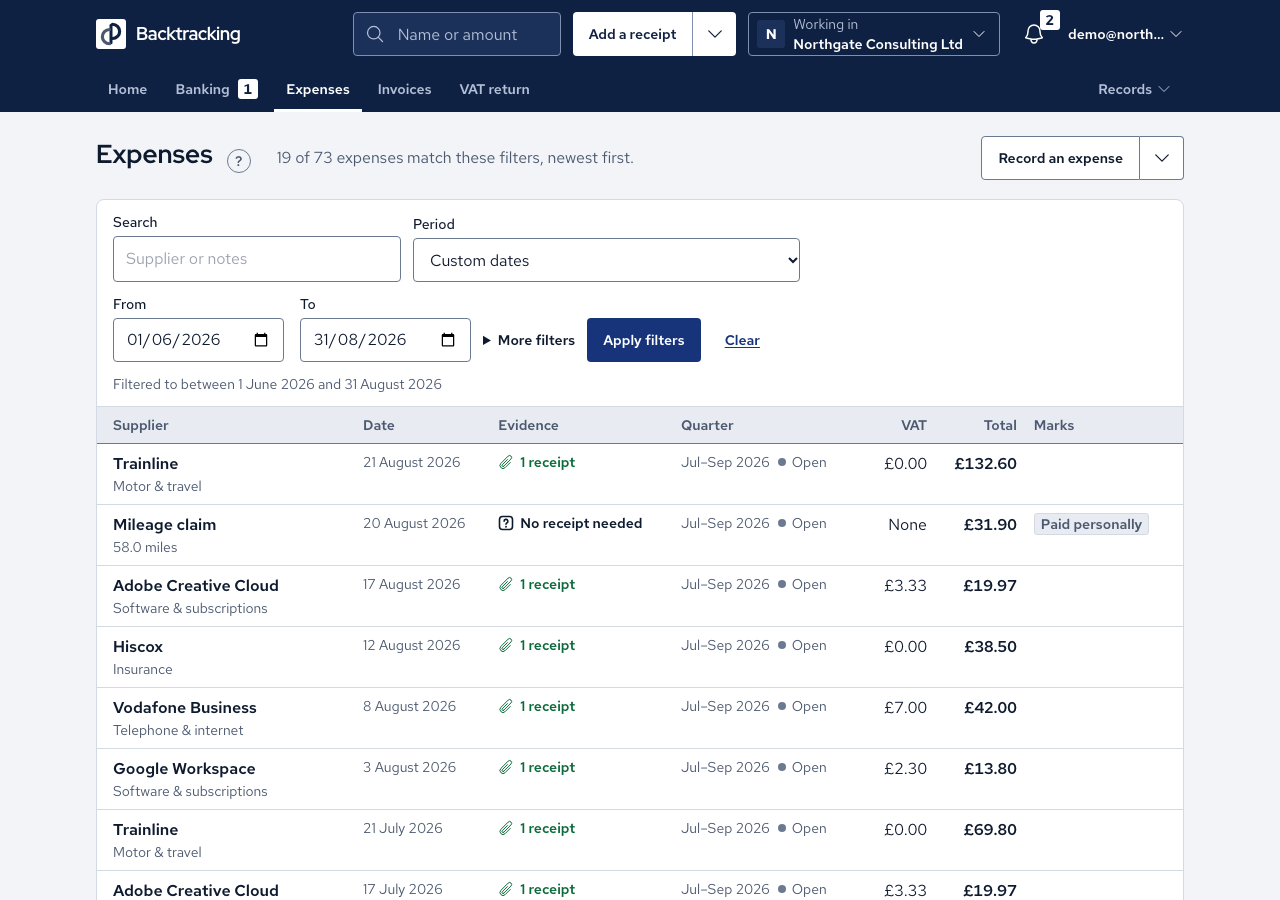
Mileage and use of home are claims the app works out for you. You enter the facts and it does the sum. Neither carries VAT, and both are paid by you personally, so they go on your director's loan ledger.
- For mileage, open Claim mileage. Enter the Date, the Miles to one decimal place and the Purpose. The form shows the miles already claimed this tax year.
- Read the preview, which shows the rate and any change of band, then press Save claim.
- For use of home, first open Settings, find Use of home and enter the business-use percentage your accountant agreed, with the month it starts from.
- Open Claim use of home as office, then Claim actual costs. Choose the Month.
- For each bill, choose a Type, enter the Amount and attach the bill. Press Add another cost for more.
- Check the preview, for example "£640.00 × 15% = £96.00", then press Save claim.
Cases
- Mileage is paid at 55p a mile from 6 April 2026, and a journey before that date is paid at 45p.
- After 10,000 miles in a tax year, further miles are paid at 25p. A journey that crosses the line is split between the two rates, and the count restarts with the new tax year.
- Claims are banded in journey-date order. Entering an earlier journey late recalculates the later ones, and the message says so. A claim inside a filed quarter is left alone and named.
- Zero or negative miles are refused. To correct a claim, edit or delete the original.
- Mortgage interest can be claimed. Mortgage capital cannot, and the list has no such type.
- The percentage is applied once to the month's total, rounded half up.
- A later percentage applies from its own month. A claim already saved keeps the percentage it was saved with.
- A month that is already claimed, or that overlaps a weekly claim, is refused with a link to the clash.
- A cost line without a bill is marked "No receipt yet".
Good practice
- Attach a bill to every cost line. The app asks for monthly claims with evidence on each line, and marks any line without a bill.
- Agree the business-use percentage with your own accountant before your first claim, since it is a share of your household bills. The app applies whatever percentage you record in Settings.
- The app offers two methods: actual costs by month, and a flat weekly rate. Choose the one your accountant has agreed, and do not mix them over the same days.
- Write a clear purpose for each journey, since the miles, date and reason are the record.