Here you create your account and protect it with a code from your phone, so that only you can open your company's books.
- Open Create your account. Sign-up is by invitation during the pilot, so use the email address the invitation was sent to.
- Enter your email address, choose a password and type it a second time. Tick the box to confirm you have read the privacy policy and the terms, then press Sign up.
- Open the verification email the app sends you and follow its link. This proves the address is yours.
- Sign in with your email address and password.
- Open any screen. The app asks you to set up two-step sign-in first, because it keeps your financial data behind a second check. Company set-up and the two-step screens themselves do not ask.
- On Set up two-step sign-in, scan the code with an authenticator app on your phone, or type the setup key into the app. Enter the 6-digit code it shows and press Turn on two-step sign-in.
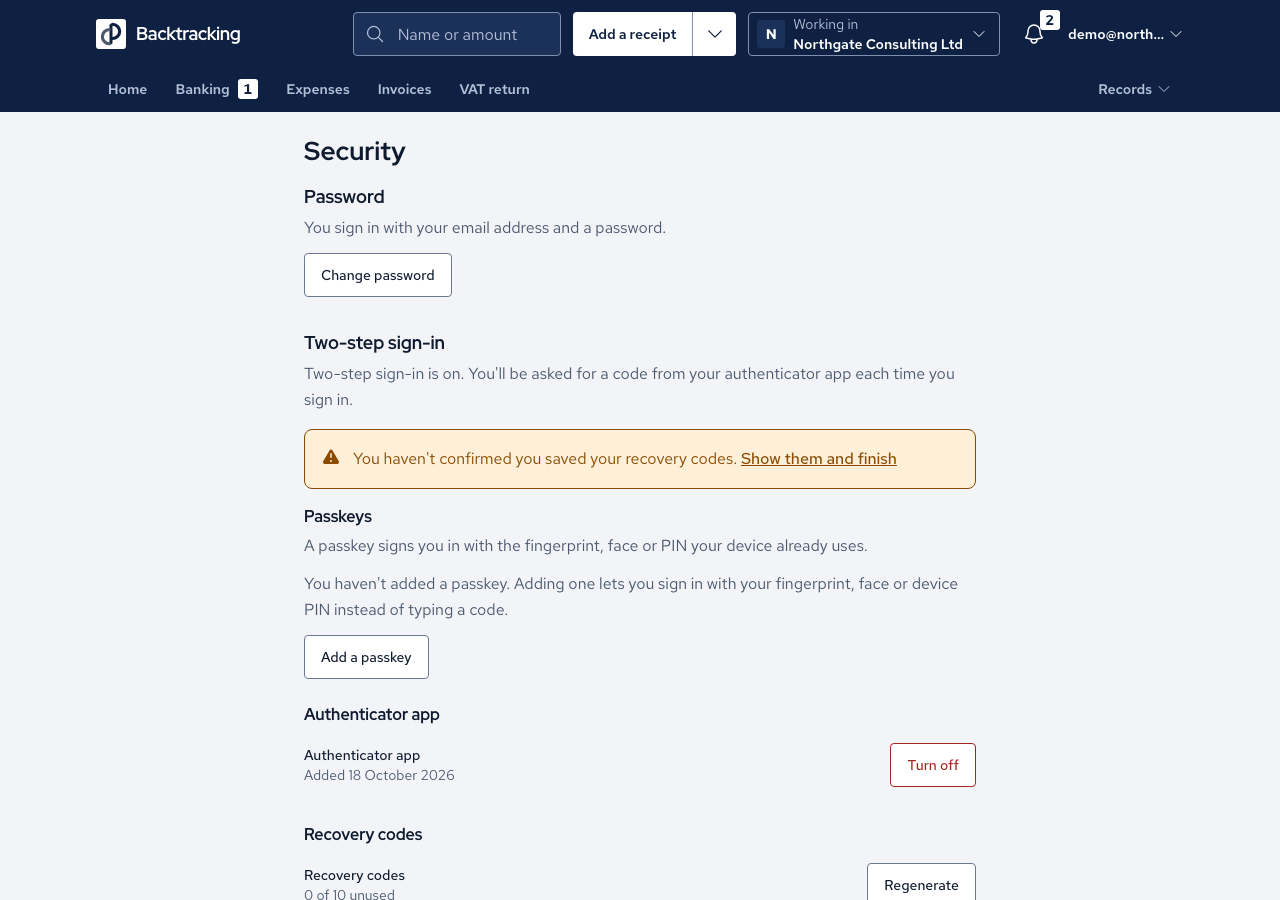
- On Save your recovery codes, store the codes somewhere you can reach without your phone. Tick the box to confirm you have saved them, then press Finish setup. The codes are shown only once, so take your time here.
- From then on, sign in with your password and enter the code on Enter your code.
Cases
- An address that is not on the invitation list is refused with "Sign-up is by invitation during the pilot." and no account is created.
- Capital letters and spaces around your address make no difference.
- If someone invited you to their company, accept that invitation instead. It does not depend on the sign-up list.
- A wrong password brings one message that does not reveal whether the account exists, and repeated failures are paused for a cooling-off period.
- A code that was valid 20 seconds ago is still accepted, which allows for a slightly slow clock, but a code can never be used twice.
- After too many wrong codes you must wait for a cooldown, and the app tells you when you may try again.
- Each recovery code works once, and you are told how many remain.
- Making a new set of recovery codes retires the old set.
Good practice
- Keep your recovery codes away from your phone. If you lose both, the app cannot reset your access: someone with access to the server has to do it.
- Tick the remember-this-device box only on a computer that is yours. Your password is still required each time.
- Turning two-step sign-in off asks for your password and explains what stops working before you confirm.