An invoice is a bill you send to a customer. Once you issue it, it takes the next number, its figures are fixed, and the app prepares a PDF you can send.
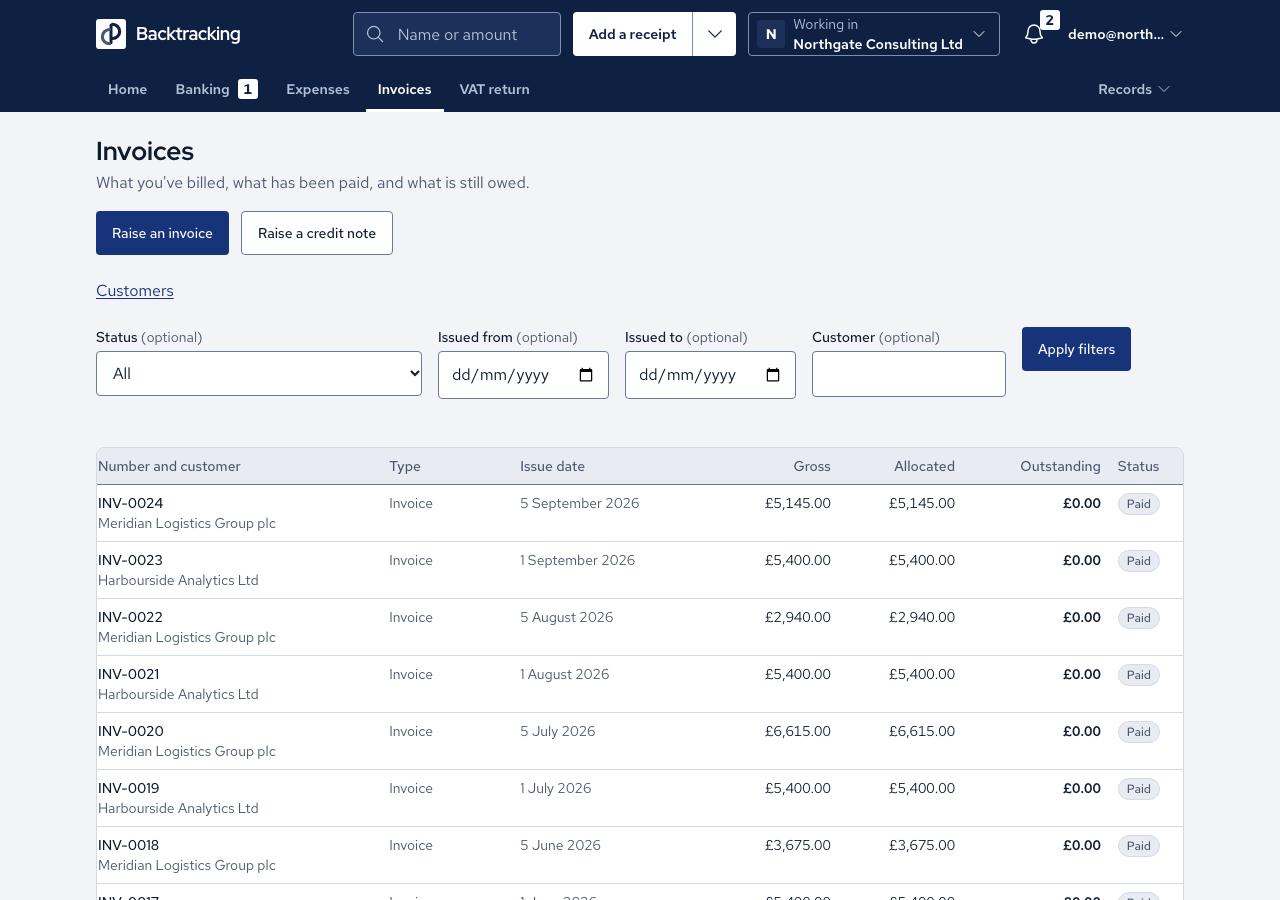
- Open Invoices, press Customers, then Add a customer. Enter the Name, Address, Email and Payment terms in days, then press Save customer.
- Press Raise an invoice, pick the customer and press Create draft. Their name and address are filled in for you.
- Press Add a line for each item: Description, Quantity, Unit price and VAT rate. The preview shows net, VAT and gross as you go.
- Press Issue…, enter the issue date and confirm with the button that carries the invoice number. If you left the due date blank, the customer's terms set it.
- On the invoice, press Download PDF. If it says no PDF has been generated, press Generate now.
- Press Send. Check the address, subject and message, then press Send again. The app attaches the PDF, records the date, and copies you in unless you untick Send me a copy.
- If you sent it another way, press Mark as sent…, enter who it went to and confirm.
Cases
- A due date you type always wins over the customer's terms. With zero-day terms the invoice is due on issue.
- An issued invoice keeps the address it was issued with, even if the customer moves later.
- An issued invoice cannot be edited. Raise a credit note, or split it into parts.
- VAT cannot be charged on an invoice dated before your registration date.
- Without a registered office in Settings, the invoice is still issued and numbered, but no PDF is made.
- The PDF prints the stored VAT. Three lines of £0.13 show £0.09 in total, never £0.08.
- A PDF is made only for invoices in pounds.
- An invoice is sent once. A second attempt tells you when it went, and a failed send records nothing.
- An unpaid invoice shows as overdue once its due date has passed.
- Accountants can read invoices but are not offered the send or generate controls.
Good practice
- Charge VAT on the invoice as normal. The flat rate is applied only in your VAT return.
- Record the registered office in Settings before you issue your first invoice.
- Allocate each payment to its invoice. A suggestion is never applied until you press the button.