The Quarter-end pack gives your accountant one VAT quarter: the nine boxes and the records behind them. Export everything is a copy of the whole company.
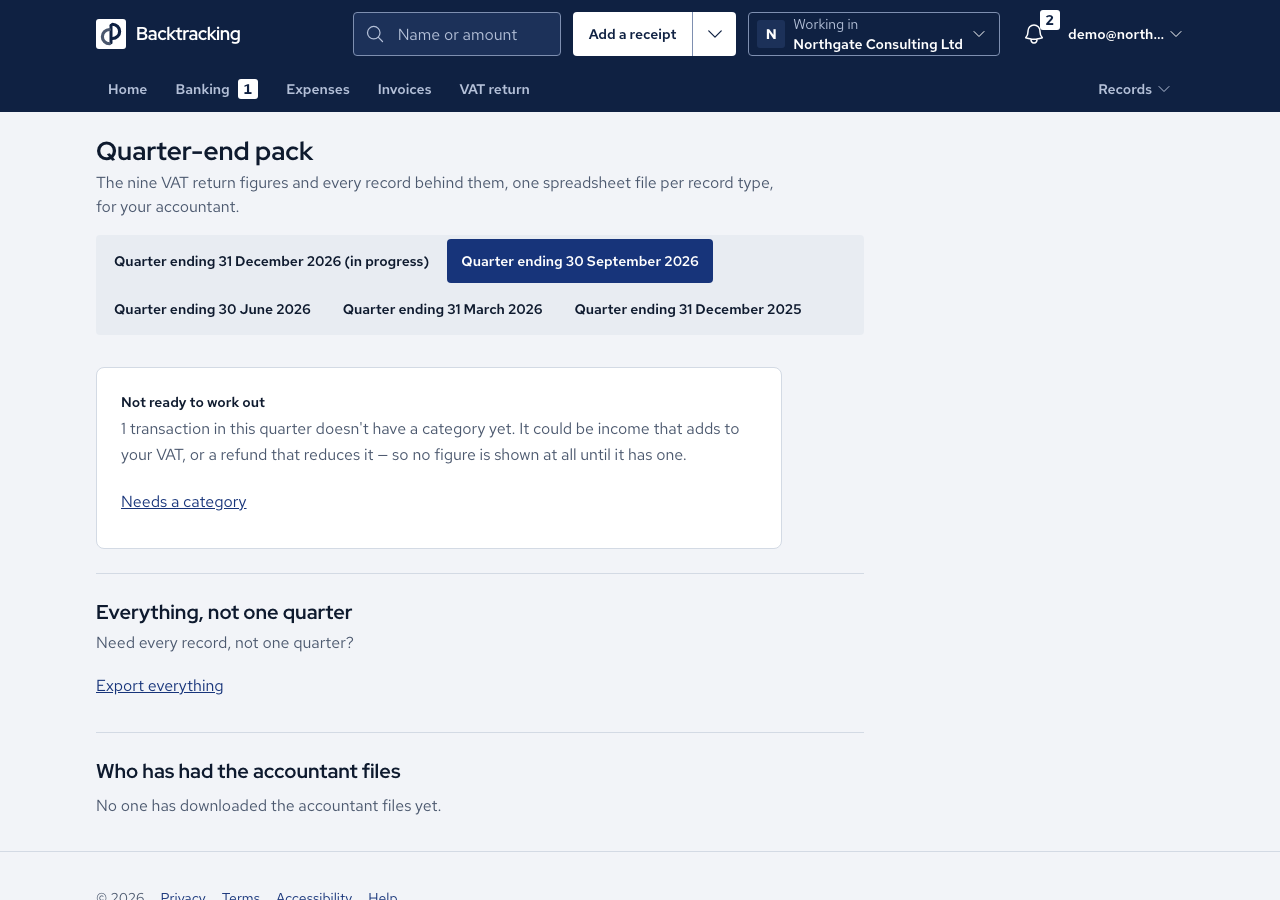
- Open Quarter-end pack and choose the quarter.
- Read the status sentence. A live quarter says "Not filed yet. These figures are live: they change if a record in this quarter is added or changed." A filed quarter says the figures are as filed.
- Check What's in the pack. It counts the rows in each file.
- Press Download the pack. You receive a .zip holding boxes.csv, sales.csv, bank_income.csv, purchases.csv, corrections.csv and README.txt. A company on Standard cash accounting also gets payments.csv.
- For everything, press Export everything, then Prepare an export. When it is ready, download it from Your exports.
- Open the archive's READ-ME-FIRST.txt. It explains each folder: records, receipts, documents and the bank raw payloads.
Cases
- A quarter that cannot be worked out has no pack. The screen shows the same refusal as the VAT return.
- A filed quarter's pack holds the filed figures, even if a record has changed since.
- A purchase with no VAT evidence shows its recorded VAT and a reclaim of £0.00.
- Amounts are plain numbers with no symbols. A refund keeps its minus sign.
- The pack holds no IBAN, account number, sort code or raw bank payload. Export everything does include raw bank data.
- Two downloads of the same quarter are identical.
- Only one export is built at a time, and an expired export cannot be downloaded.
- Members never see the Quarter-end pack. Owners, admins and accountants do.
Good practice
- Finalise the quarter before you send the pack, so it carries the filed snapshot.
- Compare boxes.csv with the VAT return. Each box adds up to the records behind it.
- Keep an Export everything file somewhere safe. It contains personal information about you and the people you paid.
- Each download is recorded with who took it and the role they held. Inviting your accountant lets them download for themselves.