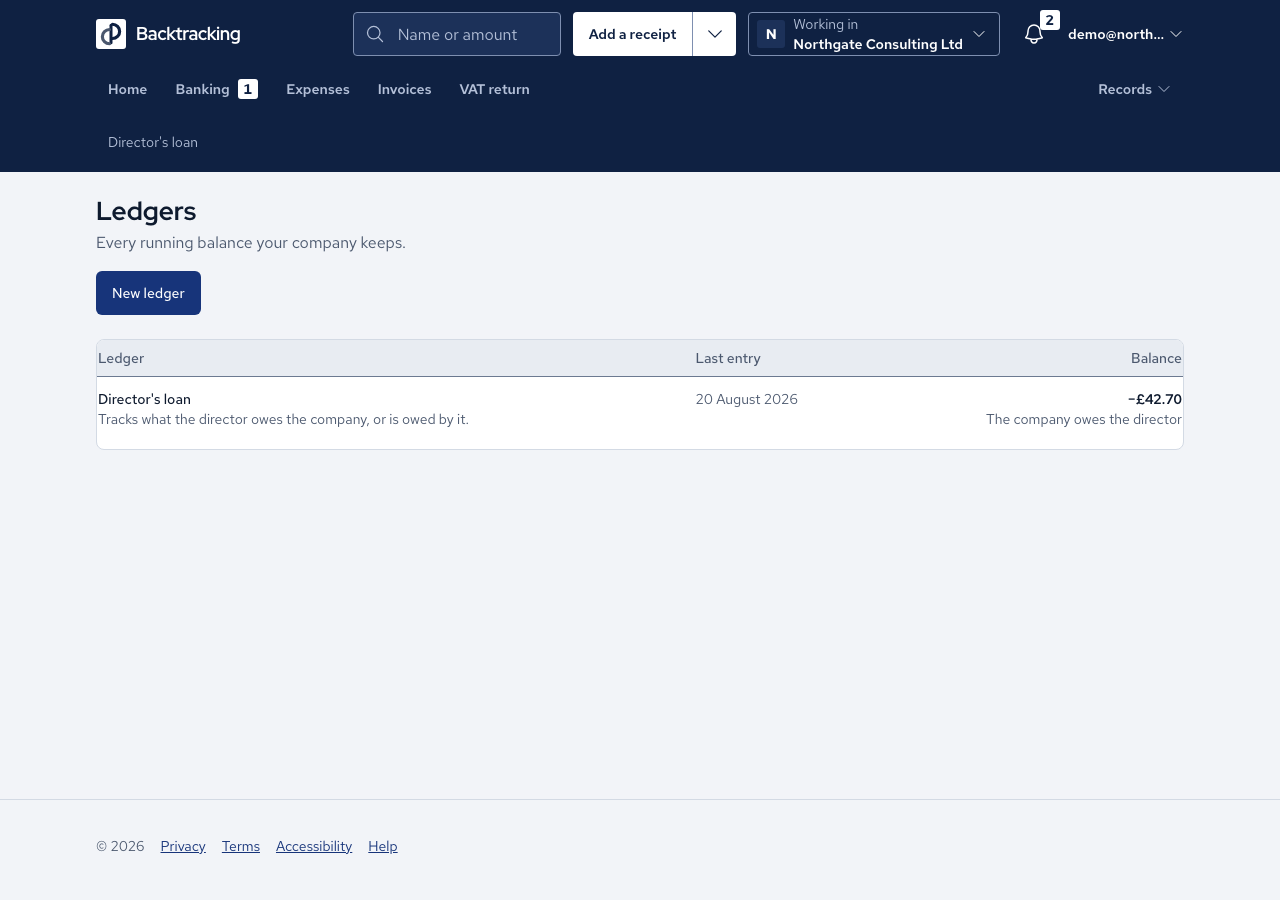
When you pay for something with your own money, the company owes you. The director's loan ledger keeps that running balance, so you can be repaid and your accountant can see how.
- When you record an expense, set Who paid to You, personally. The message confirms it is on your Director's loan ledger.
- Mileage and use of home are always paid by you, so the form does not ask.
- The first time, open Ledgers and press Set up your director's loan ledger. The confirmation counts the expenses and bank lines it will add, and the balance, before anything is written.
- If the ledger exists but personal expenses do not post, open its settings, find Expenses you paid personally and press Turn on. Read the list, then confirm.
- Open Director's loan. Each row shows what it was and where it came from, with the working for mileage and use of home.
- When the company repays you, categorise that bank line as Director's loan.
Cases
- A personally paid expense cannot be matched to a bank line. The page explains that the loan settles it.
- Expenses of £1,096.49 and a repayment of £1,096.49 leave a balance of £0.00.
- A refund you received posts the other way, and a £0.00 expense posts nothing.
- A personally paid capital asset keeps its VAT treatment.
- A loan drawdown is never turnover, and a repayment is not an expense.
- Turning the posting off is refused while expenses stand on the ledger. Only one ledger can post personal expenses.
- An accountant can read the ledger but cannot turn the posting on.
Good practice
- Say honestly who paid, and keep the receipt. The ledger is only as good as the expenses behind it.
- Check the balance label. "The director owes the company" and "The company owes the director" mean opposite things.
- Watch the Director's loan tax (s455) panel. A balance the director owes at the period end can bring a tax charge, due nine months and one day after it. The panel is an estimate, so confirm it with your accountant.